
ShareMouse-TN 2.0
One mouse and keyboard to control several computers

About the app
A desktop program that lets one mouse and keyboard control several computers on your LAN (Windows ↔ macOS). Move the mouse to the screen edge to jump to the other computer at once, with file transfer and a shared clipboard. Every connection is encrypted with TLS 1.3. ShareMouse-TN is designed and built by the TNGroup Soft Thailand team for people who work on several computers at once, such as a MacBook next to a Windows PC. No more switching mice or keyboards: just move the mouse to the screen edge to take over the other machine, drag and drop files and folders across, and copy-paste between them. Platforms: Windows and macOS (Linux is not supported yet) · A desktop program — it is not on Google Play or the App Store.
Features
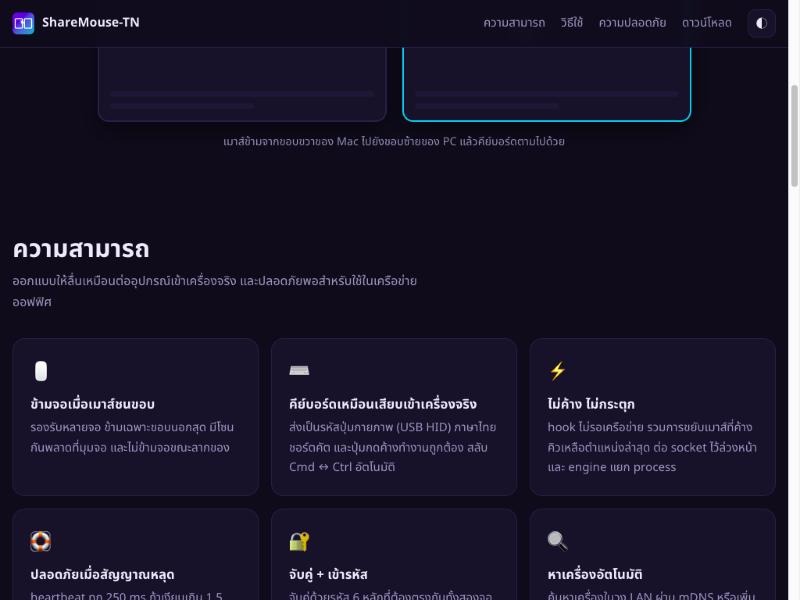
- Move the mouse to the screen edge to jump to another computer, with multi-monitor support
- The keyboard works as if plugged into the real machine — Thai and shortcuts work, and Cmd ↔ Ctrl are swapped for you
- No freezing or stutter, and control comes back by itself if the signal drops
- Pair with a 6-digit code, with TLS 1.3 encryption on both sides
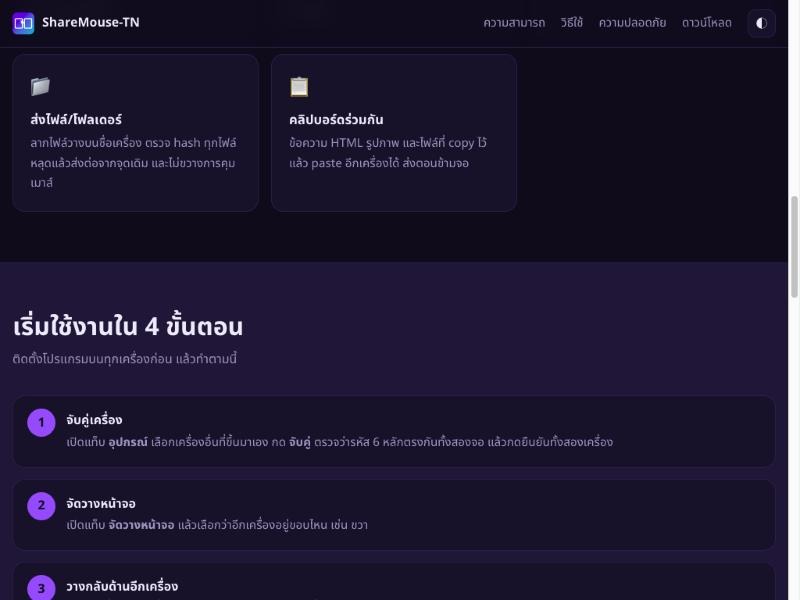
- Send files and folders with hash checks, and resume from where it stopped if the link drops
- Shared clipboard for text, images and files
Want an app like this for your business? We build Android, iOS and web apps.
Contact usSocial
LINE Official

Scan QR to add LINE
@966sclod
Account: TNGroup Soft TH